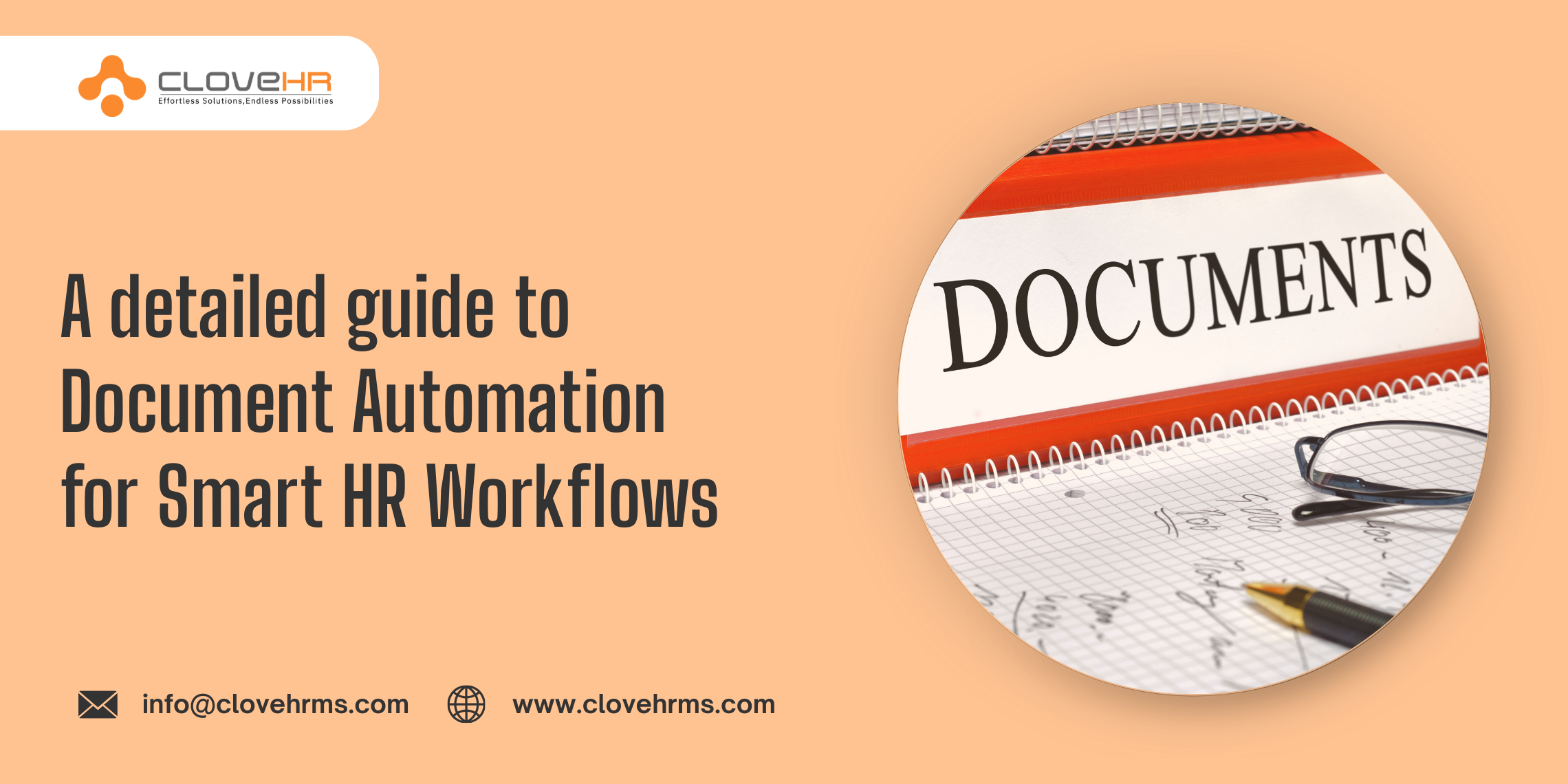

The teams of HR take care of huge amounts of paperwork like contracts, offer letters, onboarding forms, performance reviews, and what not. They have to manually manage all these documents which takes a lot of time from their office hours and due to which they are not able to focus on high value tasks and decisions.
With document automation, the problem is solved allowing HR professionals to focus on what matters most that is people. But how? This guide explains everything about document management Software automation and helps you to implement it in your businesses too to build smarter workflows.
Understanding Document Automation in HR
When HR teams use technology to create, manage, and distribute HR documents automatically it is Document Automation. It helps them to avoid manually drafting each file and use templates, rules, and connected systems to generate documents quickly and consistently as well as share them.
For example, when a new employee joins, the system can automatically generate an offer letter, employment contract, and onboarding checklist where all of it is in custom format as per the details of the employee.
The aim of this tech piece is to make sure consistency as automated documents follow predefined formats and rules, which has little to no chances of errors and are always compliant.
Why does Document Automation really matter for HR?
If there is one department that is constantly in pressure to be fast and accurate, then it will be the HR department and manual document handling slows things down. Here is why document automation is important for modern HR?
It brings Efficiency
To start with, automation brings efficiency as automated systems can generate hundreds of documents in minutes, compared to hours of manual work. This speed is important when recruitment drives are going on or compliance audits are taking place.
It brings Accuracy
Then another benefit will be accuracy because by pulling data directly from HR Software, automation makes sure that names, dates, salaries, and policies are always correct. And, when these details are correct, it lowers the risk of costly errors and legal issues.
It makes employee experience better
Document automation makes the employee experience better as new hires get polished, accurate documents on time, which sets a professional tone from day one. The employees requesting letters or forms get them faster, without waiting for manual processing.
Last but not least, automation also provides peace of mind to HR leaders which leads to better productivity as they know that documents are consistent, compliant, and delivered on schedule.
How Document Automation Works in HR?
The working of document automation falls under three things that is templates, data integration, and workflow rules where templates are ready documents with placeholders for variable information.
Then with data integration the automation system connects to key databases to fetch out the details of employees, their job titles, and other important information. Finally, workflow rules define when and how documents are generated, approved, and delivered thus building a smooth automated ecosystem.
Just for an example, imagine that a manager is taking care of promotion, and here the system will automatically generate a promotion letter, update the contract of employees, and notify payroll. All of the documents are built custom with the name of employee, their role, and salary details where for approvals stay digital, and once finalized, the documents are stored safely in the HR system.
Key HR Documents That Benefit from Automation
Document automation goes all across the entire HR lifecycle, still for a better understanding here are the important documents that gets benefit from automation:
- At the hiring documents like background check forms, offer letters and employment contracts.
- Onboarding process documents like welcome kits, policy acknowledgments, training schedules.
- Employee Management documents like promotion letters, transfer documents, performance review forms.
- Compliance documents like tax forms, labor law updates, health and safety acknowledgments.
- Exit Process documents like resignation acceptance, clearance forms, experience letters.
Challenges (with solutions) hidden with document automation
When we talk about a change, there are challenges and one key issue is resistance to new technology. It is because HR staff may worry about losing control or wanting to learn complex systems which can only be solved with training and clear communication.
Problem of Data Quality
Another challenge is data quality as automation relies on accurate information from HR systems. If employee records are outdated or inconsistent, documents may contain errors so the solution here is to prioritize data hygiene with regular updates updating and records verification.
Problem of Integration
Integration can also be a problem here because document automation works best when connected to HR software, payroll systems, and compliance tools which can be complex but a technology partner can solve this problem.
Problem of Security
Lastly security can come out as a problem too because HR documents take care of sensitive information, with right encryption, access controls, and secure storage this problem can be solved too.
Steps To Apply Document Automation in HR Department Smoothly
To apply document automation, you need a structured approach where you have to stary by finding the documents that consume the most time or are prone to the errors. Then next is that you have to design templates that capture the required information and comply with legal standards.
When templates are ready
Once templates are ready, you have to connect the automation system to the HR database as this allows the system to pull employee details automatically. You have to define workflow rules for document generation, approvals, and delivery like an offer letter may require approval from HR and finance before being sent to the candidate.
Test the System
Set up a pilot batch of employees who will understand the system, refine the process and then provide training to everyone about how to use the system effectively.
With that you can keep monitoring the performance using metrics like document turnaround time, error rates, and employee satisfaction to be sure if automation delivers maximum value or not.
A few Best Practices for Smarter HR Workflows
To get the most out of document automation, organizations can follow a few best practices.
Keep design simple
In place of going with designs that feel confusing, start with keeping templates simple and easy to update. If you go for complex designs then it can slow down the process and create confusion.
Deliver compliance
Also, focus on compliance by adding legal clauses and policy updates directly into templates so that documents always remain accurate even if regulations change. With that, try to promote collaboration where you can involve managers and employees in the automation process.
Plan integration
And, last but not least, do plan the integration of automation with your other HR tools like payroll, performance management, and learning systems which will deliver you a seamless workflow for the entire employee lifecycle.
How products like CloveHR Supports Document Automation?
Document automation can feel complex, but the right platform like CloveHR for Document Automation makes everything simple with following features:
- Easy and ready‑to‑use templates
- Secure data integration
- Automated approvals
- Clear reporting
- Compliance rules
- Progress Tracking
Wrapping Up
There is no doubt in the fact that document automation will surely bring revolution to HR teams in any business because it removes tasks on repetition, lowers chances of errors, and gives a better experience to employees.
Not only this, HR teams also get the power to deliver compliant documents consistently, so that they can focus on people and strategy. With the right approach and the right platform like CloveHR, document automation brings smarter and more efficient HR workflows.
FAQs
1. What is the meaning of document automation for HR in simple terms?
It refers to using technology to create, manage, and distribute HR documents which can be offer letters, onboarding documents, payroll slips and a lot more.
2. What are some key reasons to use document automation?
Automation does save time, lower errors, ensure compliance, and makes employee experiences better so that HR focuses on people and strategy.
3. Which are some HR documents that I can automate?
Documents like offer letters, contracts, forms, promotion letters and exit documents are a few from a large number of documents that can be automated completely.
4. Is document automation really secure if HR data is sensitive?
Yes, modern platforms use encryption, access controls, and secure storage to protect sensitive employee information. Security is a core feature of document automation systems.
5. How can organizations implement document automation successfully?
Start by understanding high volume or error prone documents, design clear templates, integrate with HR databases, and pilot the system. Training and regular updates will make sure a smooth adoption.